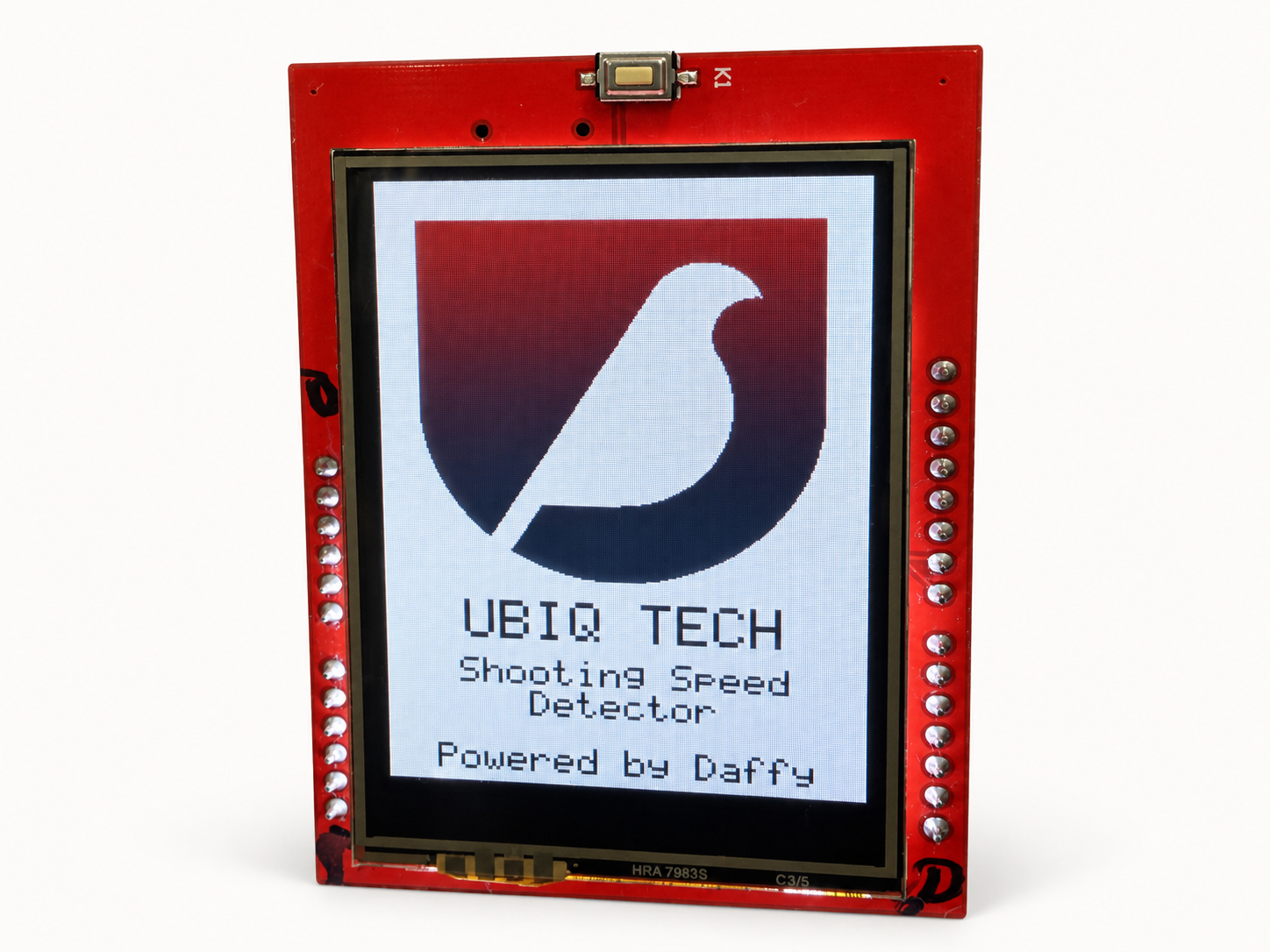
When the job needs more than off-the-shelf hardware, we engineer a device around the task. Start with what you need to sense, capture or control, and the environment it must work in.
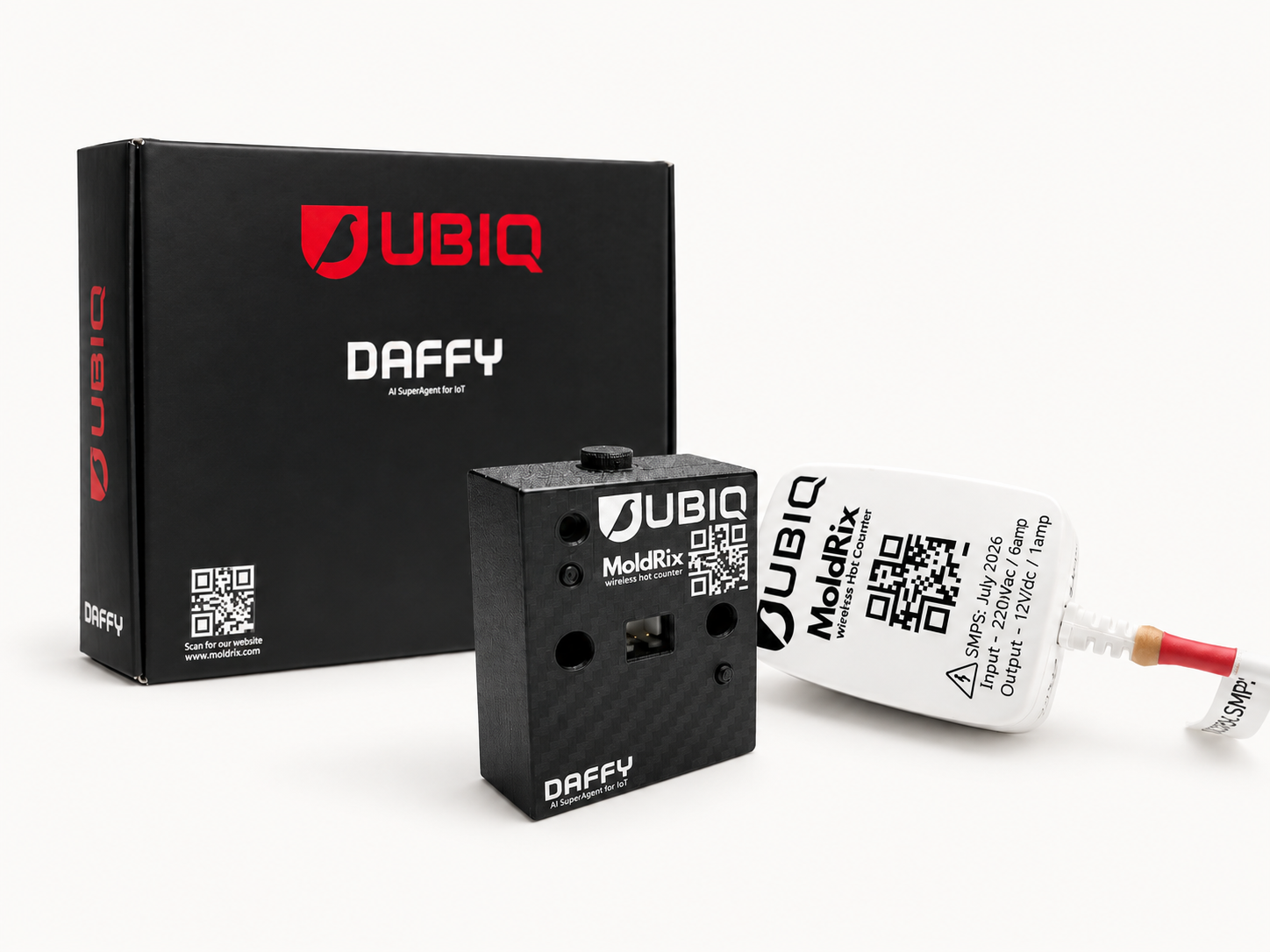
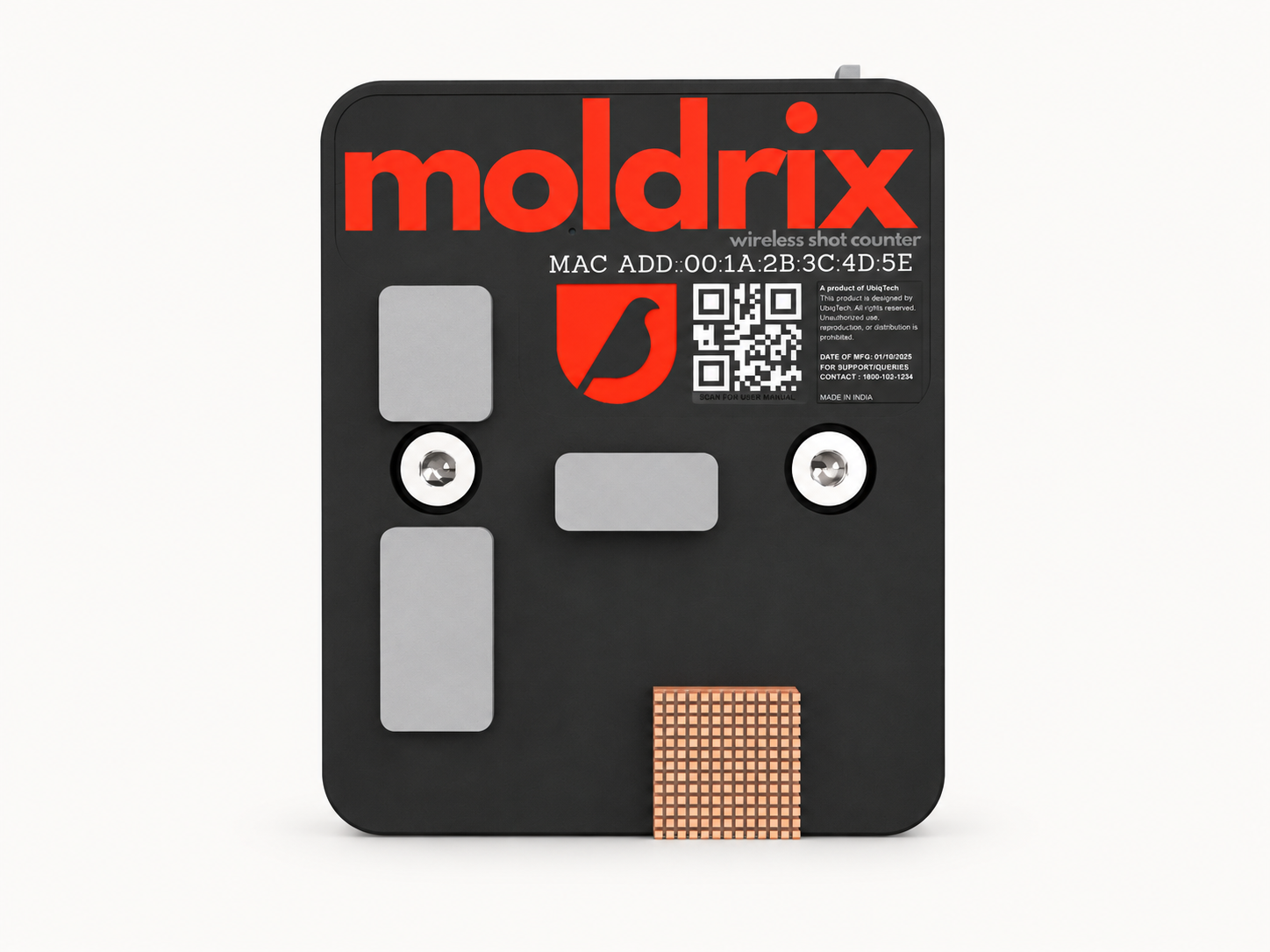
MOLDRIX / MOULD SHOT COUNTER
COUNT THE CYCLE
Moldrix
Mould shot counter
Shot and cycle counting for injection moulding, stamping and other cyclical production applications, including extrusion.
The workflow opportunity: use cycle counts to inform production tracking and the maintenance steps in your SOP.
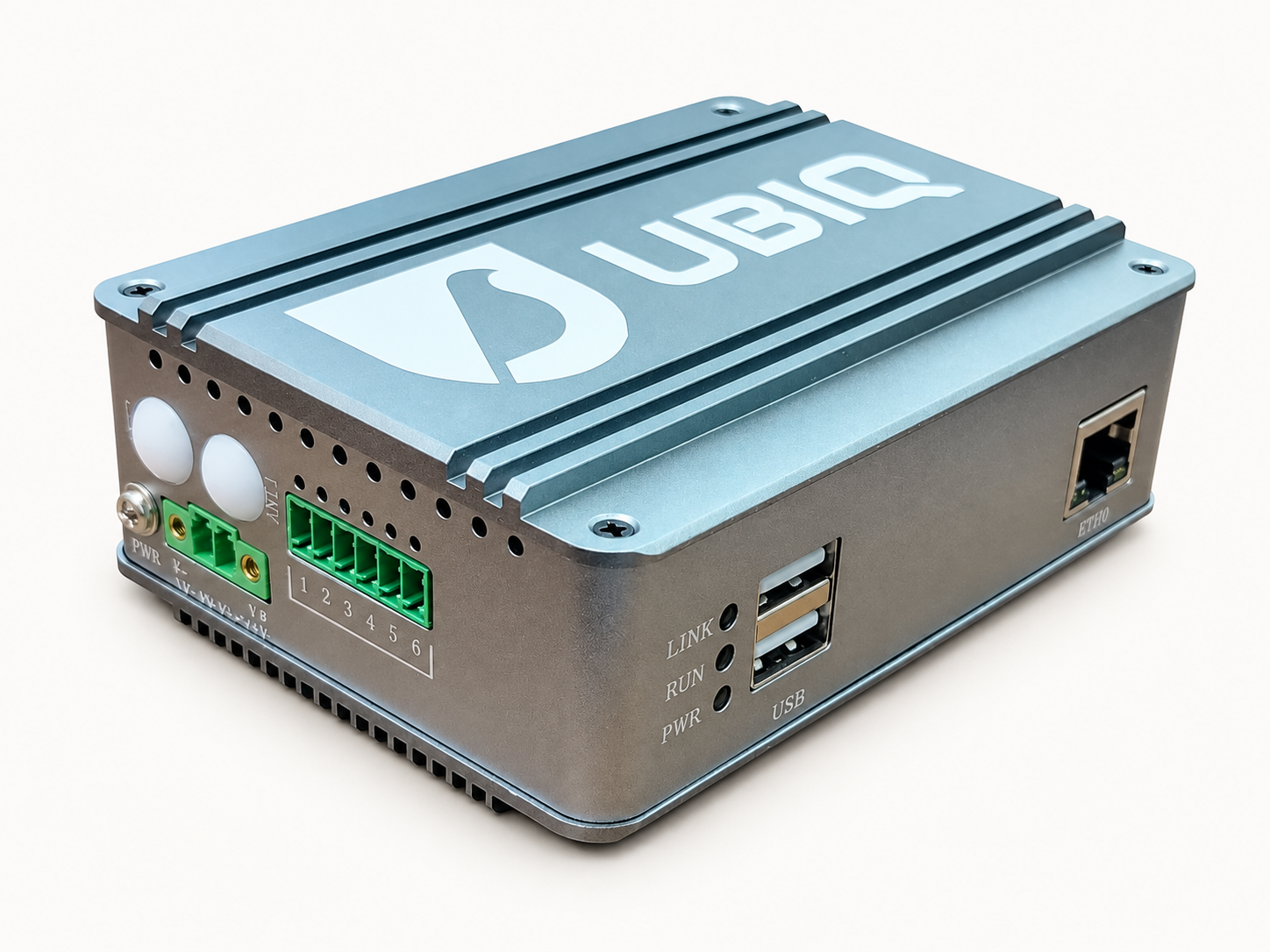
A starting point for connecting physical equipment with the digital operation. We scope the equipment, signals and software connections around your requirements.
The workflow opportunity: bring machine signals into the context Daffy needs to coordinate the next permitted action.
We configure cameras and camera bots around what your team needs to observe, inspect or capture. The question is not just what the camera sees, but what should happen when it sees it.
A Ubiq camera. Configuration depends on the observation, environment and workflow.
WHAT WE SCOPE WITH YOU
The observation or inspection you need.
The view, movement and evidence to capture.
How an observation reaches the right person or workflow.
03 / DRONE-BASED PROJECTS
If the job calls for a drone, bring it to us.
We take on drone-based engineering and integration projects. Tell us what you need to achieve, where the drone would operate and what information or action the wider workflow needs from it.
WHAT WE SCOPE WITH YOU
The task, location and operating constraints.
The sensing, data and integration requirements.
The operator, permissions and safety boundaries to agree.
HARDWARE + SOFTWARE + YOUR SOP
The device does its part. Daffy coordinates the work around it.
Hardware engineering and workflow coordination belong in the same conversation. We scope how a device connects to your existing software, people and operating instructions.
01 / THE DEVICE
Capture the signal.
The configured device or camera provides the evidence the workflow needs.
02 / DAFFY
Apply the operating context.
Daffy links the signal to the relevant record, SOP and approval owner in DaffyOS.
03 / THE OPERATION
Execute and confirm.
Daffy assigns the work or triggers the permitted system action. The returned status shows what happened and what is still pending.
Connections and permitted actions are defined for each project. Device control, safety checks and any operating permissions remain explicit boundaries, not automatic capabilities granted by connecting to DaffyOS.